
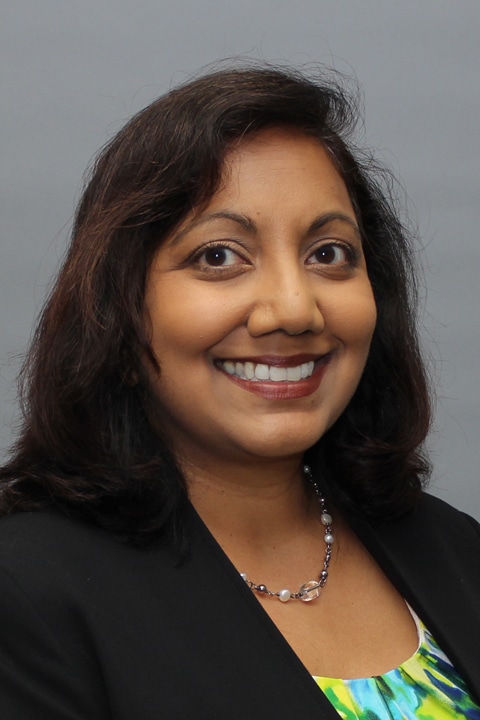
“My philosophy of care is to treat my patients as I would treat my family. I want to provide the best care possible, be up front about any concerns, and help manage any issues together.”
Dr. Sherring has been practicing medicine for 27 years. “My mother was a doctor. I always admired her and her strong work ethic, I wanted to help people and be productive, not only in the US but globally.” Specializing in optometry allows Dr. Sherring to connect with her patients on a more personal level. “I am nearsighted and can understand the concerns many people have when they cannot see well.” In addition to English, Dr. Sherring is also fluent in Spanish and Hindi. Having worked with a large immigrant community, she strives to make people at ease while providing them with a thorough and up to date eye exam. “My philosophy of care is to treat my patients as I would treat my family. I want to provide the best care possible, be up front about any concerns, and help manage any issues together.” In her spare time, Dr. Sherring volunteers at a local food pantry once a week, dances, hikes, and travels
Offices and Locations
Overview
Specialties
Optometry
Clinical Interests
Contact Lenses & Glasses
Primary Vision Care
Certifications
Post-Graduate Certification: Ocular Diagnostic and Therapeutic Agents, National Board of Examiners in Optometry
Education
Professional School: OD, New England College of Optometry
Clinical Residency: Hospital based Optometry, Veterans Administration Medical Center
Insurance
Related News and Articles