Thank you for viewing my profile. I care for Reliant patients in the hospital.
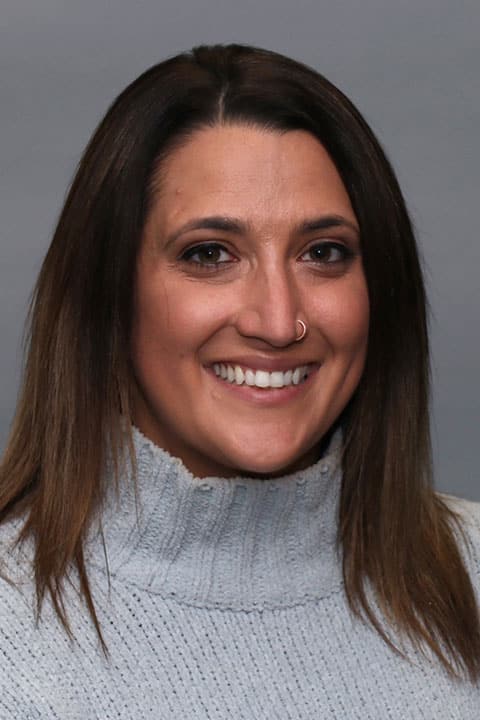
A graduate of the University of New Hampshire and Bryant University, Michaella has extensive experience in both Emergency Medicine and Hospital Medicine. “I consider myself lucky to practice in these two seemingly opposing specialties, as I tend to thrive in the fast-paced, vigorous environment of the emergency department but also truly enjoy the long-term patient care and diagnostic problem-solving that comes with working in hospitalist medicine.”
Michaella believes it’s important to always approach patients with empathy and compassion. “For many patients who come into the hospital, it can often be one of the worst days of their lives, both physically and emotionally,” she explains. “I think it is important to recognize that reality, and provide both compassionate and individualized care.”
One of the things that Michaella enjoys the most about working at Reliant is the teamwork. “Medicine has always been a team endeavor, and there is nothing more gratifying than a team of doctors, nurse practitioners, physician assistants, nurses, EMS and techs working as a well-oiled machine to provide the highest quality care.”
In her spare time Michaella enjoys being with her dog, reading a good novel, traveling, and spending time with family and friends.
Offices and Locations
Worcester Medical Center
Phone number: 1 (508) 852-0600
Address: 123 Summer Street, Worcester, MA, 01608
Overview
Specialties
Hospital Medicine
Certifications
National Commission on Certification of Physician
Education
Medical Education: Bryant University
Insurance
Related News and Articles