
Learn more about Behavioral Health at Reliant
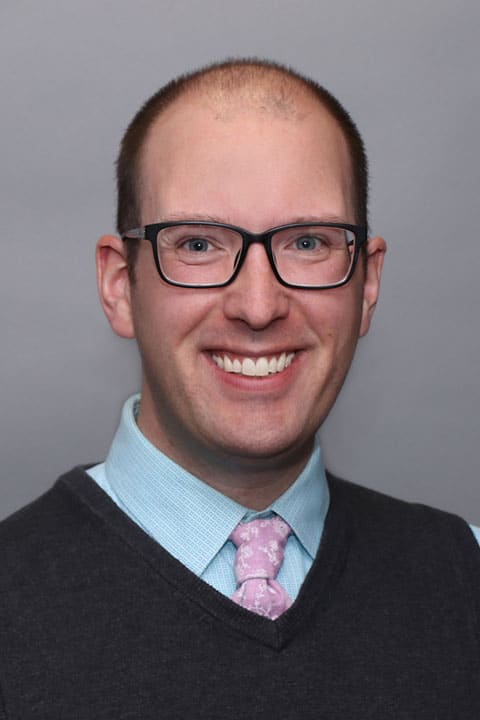
Christopher says that growing up in a small town where people had little awareness of mental health or access to mental health services was a big motivation for his career. “I wanted to become a social worker to help reduce the stigma that a mental health diagnosis can carry and work closely with people to help them realize their full mental wellness potential,” he explains.
Christopher has a special interest in working with individuals to overcome the impact of trauma whether it be a recent event or the lasting impact of past trauma. “I am also interested in working with members of the LGBTQ community and people dealing with transitions in their lives,” he explains. Christopher became nationally certified in Trauma Focused Cognitive Behavioral Therapy in 2019.
In his work Christopher feels it’s important to consider the individual needs of each patient when providing care. “No two individuals experience a mental health concern in the same way, so it is important that I tailor my work to what will best suit their needs. Christopher says he enjoys helping people identify and understand their goals and helping them realize the steps they must take to achieve those goals. “By working closely with patients, I feel I can help them make great progress.”
When he is not busy with patients, Christopher enjoys traveling, reading and baking something delicious.