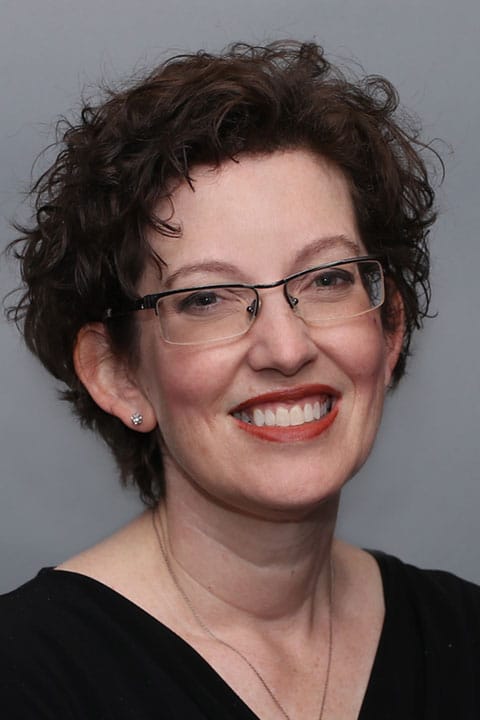
A graduate of Rhodes College and Vanderbilt University, Leah has been helping patients since 1998. Leah’s specialty is non-surgical management of urogynecologic issues in women, such as bladder or bowel leakage, pelvic organ prolapse, bladder infections, and overactive bladder. She also helps patients decide if and when surgical treatment makes sense.
“I can remember wanting to work in the field of women’s healthcare as a child, I loved the idea of helping moms and babies. Although I no longer work in obstetrics, my interest in the care of women has not faded,” she explains. “Within my current field of Urogynecology, I am fortunate to work with women on problems that have a major impact on quality of life.” Leah says her goal is to work closely with her patients to develop a treatment plan. “I try to take into consideration and be aware of the reasons why a treatment plan might not be successful, like cost, time or fear.”
Leah loves the fact that with her skills she can help women better understand their problem and live a better life. “That doesn’t always mean a cure, but it does mean that a woman is less worried about her diagnosis, that she understands what is happening in her body, and that she knows she has good options for treatment.”
In her spare time Leah loves to read and travel.