
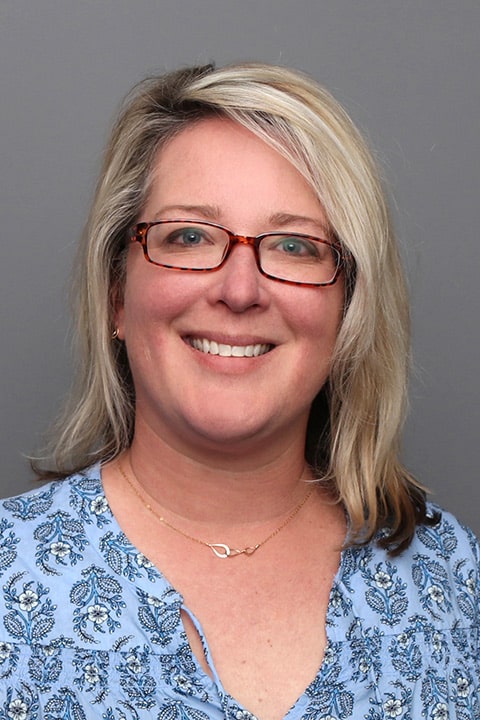
I care for patients in the Home-Based Primary Care program
Call Patient Registration
A graduate of the University of Vermont and the Massachusetts College of Pharmacy and Health Sciences, Emily Lachiatto became a Physician Assistant because she enjoys the challenge of providing care and working closely with patients. Emily works specifically with geriatric patients in Reliant Medical Group’s Division of Geriatrics. “I enjoy helping people maintain their highest level of independence and health as they age, as well as maintain comfort and dignity toward the end of life,” she explains. Emily believes in treating the patient as a whole and carefully considering how treatment will impact their life. She enjoys developing long-term relationships with patients and their families. “Reliant Medical Group is special in that we can provide great continuity of care for our patients. That’s one reason why I enjoy working here.” When she is not busy treating patients, Emily enjoys spending time with her children, as well as outdoor activities such as hiking, kayaking and gardening.
Offices and Locations
Worcester – Grove Street
Phone number: 1 (508) 425-5694
Address: 385 Grove Street, Worcester, MA, 01605
Overview
Specialties
Geriatrics
Internal Medicine
Certifications
NCCPA
Education
Mass College of Pharmacy and Health Science, Medical Education
Languages Spoken
English
Insurance
Related News and Articles