
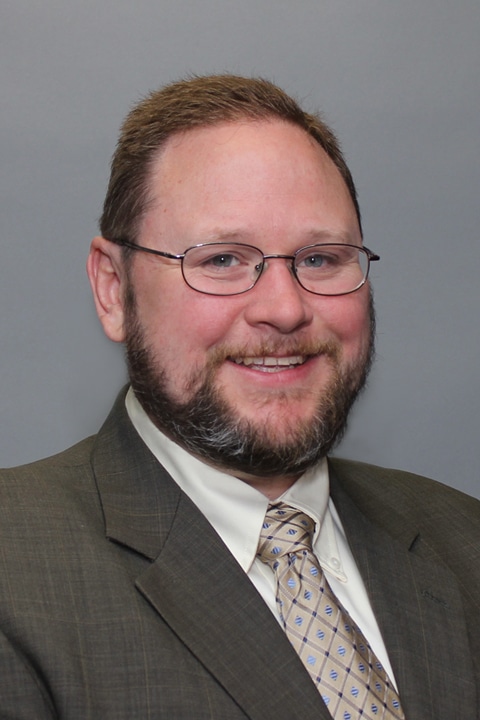
A graduate of Bucknell University and the Philadelphia College of Osteopathic Medicine, Raymond always had a love of medicine and a desire to help people. Raymond has worked at Saint Vincent Hospital Orthopedic Surgical Service for over ten years. He has also served as Chief Orthopedic Physician Assistant for the past three years. As a member of the Orthopedics department at Reliant, Raymond enjoys helping patients overcome problems and seeing them return to the activities they enjoy. Raymond is a strong believer in involving patients in the care process. “I like to provide patients with guidance, and give them options to choose from,” he explains. “I am always willing to listen to suggestions from patients. I think working together is the best way to enjoy a good outcome.” When he is not busy helping patients, Raymond enjoys spending time with his family. He also likes to be outdoors whether hunting, fishing, skiing or playing hockey.
Offices and Locations
Worcester Medical Center
Phone number: 1 (508) 964-5580
Address: 123 Summer Street, Worcester, MA, 01608
Overview
Specialties
Orthopedic Surgery
Certifications
NCCPA
Education
Master of Science: Philadelphia College of Osteopathic Medicine
Paramedic: Albert Einstein Medical Center Paramedic School
Bachelor of Arts: Bucknell University
Insurance
Related News and Articles