I care for patients in the Home-Based Primary Care program
Call Patient Registration
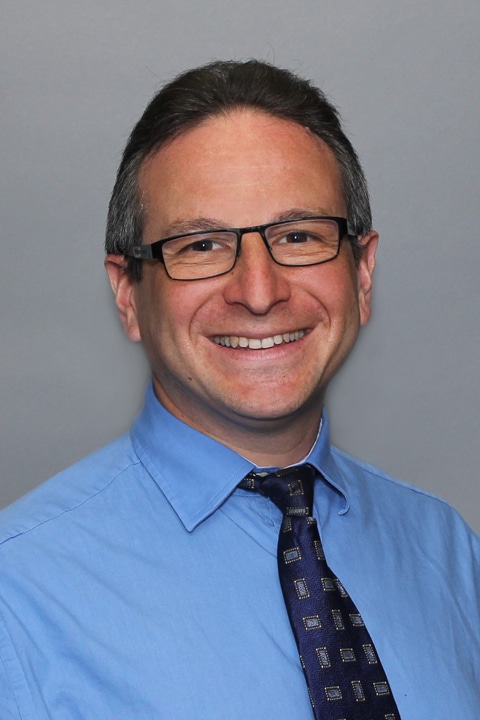
A graduate of the University of New England College of Osteopathic Medicine, Arkadi has been in practice since 2001. Arkadi entered the medical profession because he truly loves helping people. “I really enjoy seeing and treating elderly patients,” he explains. “I love spending time with each person to explain all the different issues and treatment plans possible.” Arkadi always makes a point to listen carefully to each patient he treats. “I believe our geriatric population can provide a lot of information and knowledge from their past experiences, which is why good communication with them is always so important,” he explains. “You can learn so much just by listening to another person.” In his spare time Arkadi enjoys reading, skiing, and playing soccer and baseball.
Offices and Locations
Worcester – Grove Street
Phone number: 1 (508) 425-5694
Address: 385 Grove Street, Worcester, MA, 01605
Overview
Specialties
Geriatrics
Internal Medicine
Certifications
Advanced Cardiovascular Life Support (ACLS)
PTLS Basic Provider
EMT-B
CPR/BLS
Education
MBA Healthcare Concentration: Clark University
Master of Science: University of New England
Bachelor of Science: University of Massachusetts Boston
Languages Spoken
English
Latvian
Russian
Insurance
Related News and Articles