Are you already a patient of this provider?
You can book your follow-up appointments online through MyChart!
Sign up or
log in now.
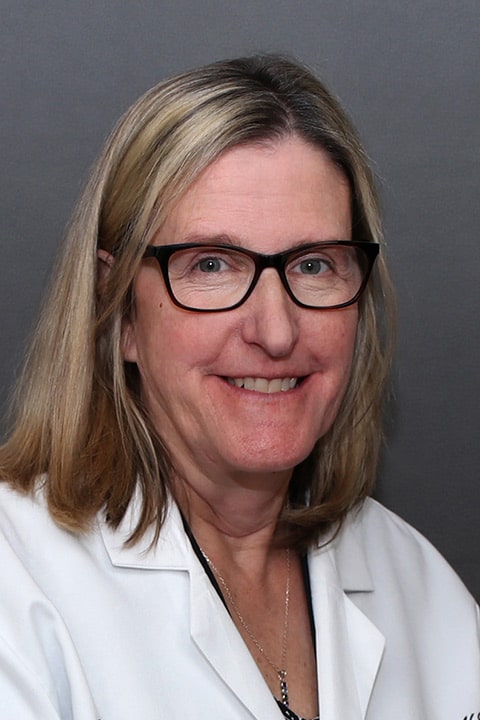
A graduate of Fitchburg State College and Regis College, Cynthia became a Nurse Practitioner after many years of working as a registered nurse. A member of the Cardiology team, she is a big believer in building strong relationships with her patients. “I think it’s essential for the medical provider and patient to work together on their overall health goals. That’s one reason I try to educate my patients and their families as much as possible on the health matters that affect them,” she explains. “For me, health care is really a partnership between the patient and medical provider.” When she is not busy with her patients, Cynthia enjoys spending time with her husband and two children. She also enjoys walking, cooking, traveling and outdoor activities.
Offices and Locations
Worcester Medical Center
Phone number: 1 (508) 248-4126
Address: 123 Summer Street, Worcester, MA, 01608
Worcester Medical Center
Phone number: 1 (508) 248-4126
Address: 123 Summer Street, Worcester, MA, 01608
Overview
Specialties
Cardiology
Clinical Interests
Congestive Heart Failure Program
Partnering Provider
Education
Regis College
Fitchburg State College
Languages Spoken
English
Insurance
Related News and Articles