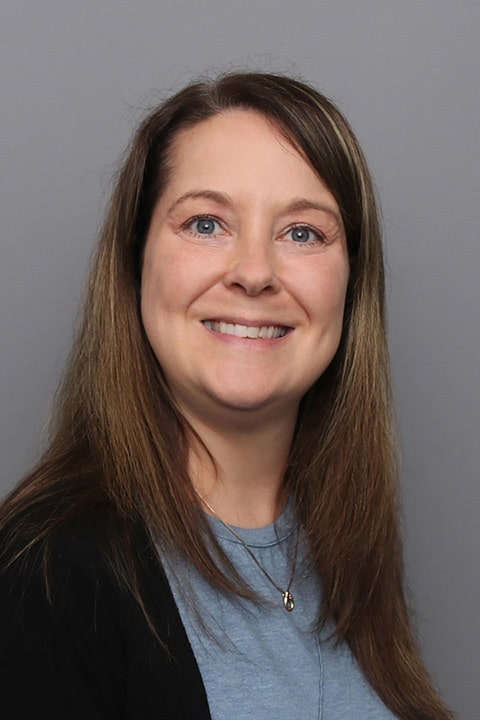
Michele started her career as a registered nurse before becoming an advanced practitioner. “Becoming a nurse practitioner was always my dream,” she explains. “I wanted to merge my long-term nursing background with providing high quality, evidence-based care for patients. Nurses are unique, and I feel very lucky to have the opportunity to utilize both skill sets in my practice.”
Michele feels it’s important to make her patients as comfortable as possible when they visit her. “I truly care about my patients and believe in building a strong relationship with each of them,” she explains. “My goal is to make each patient feel relaxed and at ease when discussing their concerns. I am not here to judge, I am here to make sure you are healthy and safe.”
In her practice, Michele believes in giving patients the knowledge needed to make educated decisions about their health and lifestyle. “I encourage my patients to advocate for themselves and work toward their health goals. I strive to educate my patients as much as possible and help them achieve better overall health.”
In her spare time, Michele loves going to the beach as well as cooking and baking and being with family and friends.
Offices and Locations
Overview
Specialties
Obstetrics and Gynecology
Certifications
Family Nurse Practitioner
American Academy of Nurse Practitioners Certification Board
Education
Fitchburg State University: Bachelor of Science in Nursing.
Rivier University: Master of Science in Nursing (Family Nurse Practitioner)
Insurance
Related News and Articles