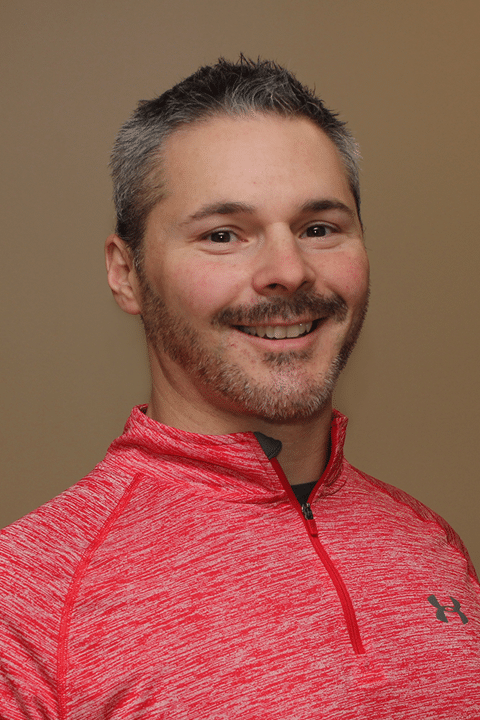
A graduate of Newbury College in Brookline, MA Peter Valera has been at Reliant Medical Group for many years. Peter’s love of sports is what first interested him in Physical Therapy. “I had always had a big interest in football and other sports and wanted a career that would allow me to work with athletes on a daily basis.” Peter is an enthusiastic therapist who believes in developing sound, well-constructed rehabilitation plans to help his patients. He is a strong believer in educating encouraging his patients so they receive optimum benefits from their therapy. Peter is also a certified personal trainer and enjoys creating plans for athletes and non-athletes alike. He is currently overseeing Reliant Medical Group’s popular Bariatric Boot Camp program. In addition Peter has also provided strength and conditioning expertise for several sport specific clinics over the years, including football, soccer, pitching and running clinics. “Whether it’s working on athletes or those beginning an exercise program, I enjoy helping people reach their fullest potential.”
Offices and Locations
Overview
Specialties
Rehabilitation and Sports Medicine
Clinical Interests
Physical Therapy
Certifications
Certified Personal Trainer
Insurance
Peter Valera's Featured Blogs