Sorry, I'm not currently accepting new patients. Click here to browse a list of doctors who are!
Are you already a patient of this provider?
You can book your annual physical and routine appointments online through MyChart!
Sign up or
log in now.
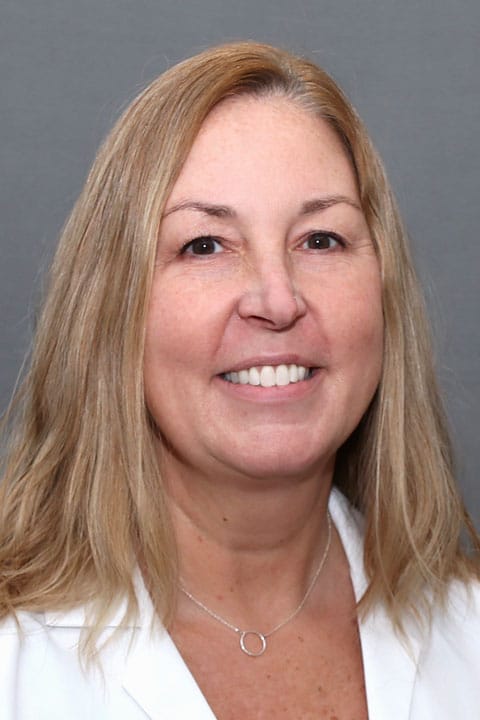
Nurse Practitioner Kelly M. Manchester is a graduate of Barry University in Florida and earned her Masters of Science in Nursing from the UMass Worcester Graduate School of Nursing in 2003. Kelly became a Nurse Practitioner because she always had a strong desire to help people and wanted to be able to develop long term relationships with her patients. Practicing in primary care, Kelly enjoys working closely with her patients and providing ongoing education and treatment. “I worked in cardiology and acute care for five years and still felt I wasn’t getting the relationship I wanted with people. Now, working in internal medicine, I can see the long-term effects of the care I provide.” Kelly is also a strong believer in educating her patients, “If people don’t understand my reasoning and why I’m prescribing a certain treatment they are less likely to follow the plan.” When she is not busy with her patients, Kelly enjoys spending time with her husband, two children and two dogs. She also enjoys the beach, walking, camping and reading.