Sorry, I'm not currently accepting new patients. Click here to browse a list of doctors who are!
Are you already a patient of this provider?
You can book your annual physical and routine appointments online through MyChart!
Sign up or
log in now.
“I knew I wanted to help people in need and medicine allows me to do that.”
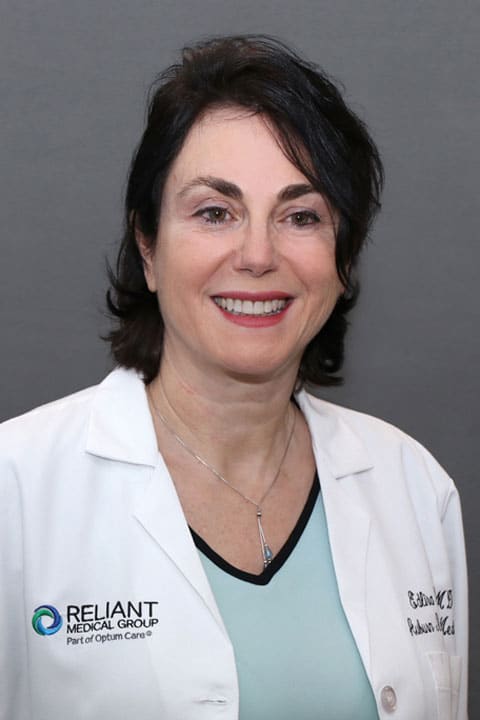
The daughter of a math professor and an elementary school teacher, Dr. Edlira Duro has always loved interacting with people and found that medicine was the perfect career for her. “I knew I wanted to help people in need and being a physician allows me to do that.”
Dr. Duro formerly worked in Preoperative Admission Testing at the Worcester Medical Center. Now she works as an internist in primary care. Dr. Duro truly enjoys practicing medicine at Reliant Medical Group. “There is great support here – a lot of teamwork. Whenever I need something I just pick up the phone. I also like the new electronic health record we are using here. It makes it very easy to input and retrieve detailed information on each patient.”
During her spare time, Dr. Duro enjoys oil painting and for the last few years has taken classes at the Worcester Art Museum. She also enjoys playing volleyball and spending as much time as possible with her family. Dr. Duro also likes to travel and says she would like to visit every country in the world someday.