Sorry, I'm not currently accepting new patients. Click here to browse a list of doctors who are!
Are you already a patient of this provider?
You can book your annual physical and routine appointments online through MyChart!
Sign up or
log in now.
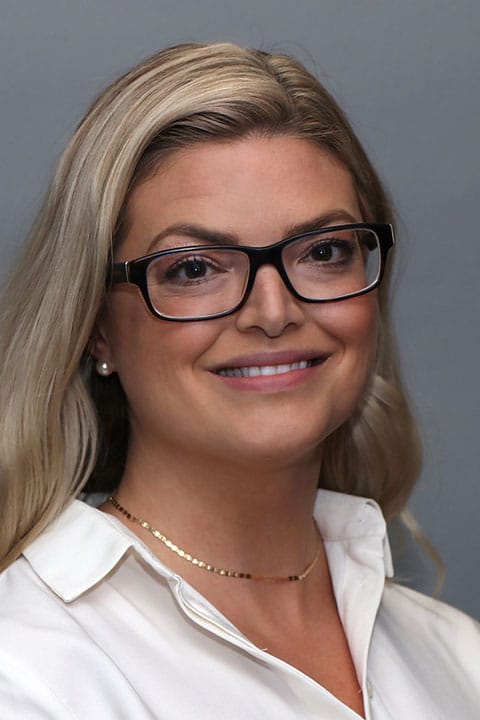
Ashley grew up knowing she wanted to work in medicine. “I was always interested in biology and medicine,” she explains. “Nursing especially resonated with me since it aims to foster relationships with patients to promote biological, psychological, and social healing and wellness. This holistic approach to care is why I decided to become a nurse and then later advance my skills as a nurse practitioner, earning my doctor of nursing practice degree. I wanted to be able to create relationships with patients that can advance a partnership guided toward holistic care and overall well-being.”
Ashley is a strong believer in educating her patients as well as promoting patient autonomy that advances and supports her patient’s health. Ashley says that the most enjoyable part of being a caregiver is the relationships she creates with patients over time. “That’s what really makes it special for me.” In her spare time Ashley enjoys being with her family and her dog, Daisy. She also enjoys reading, cooking, yoga, traveling and the outdoors.