
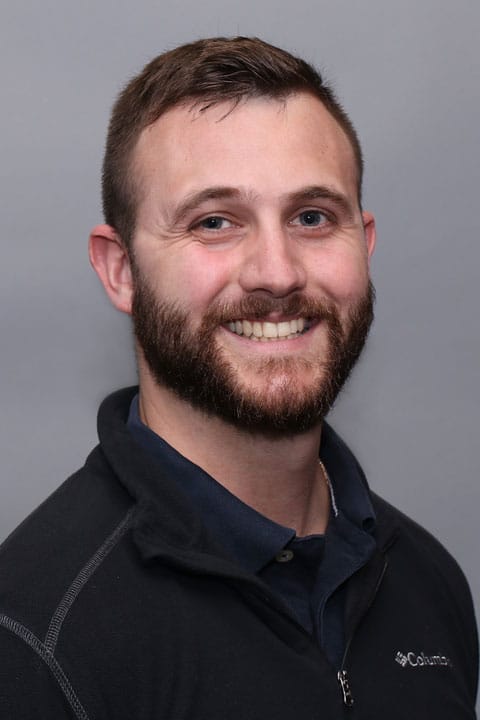
A graduate of UMass Lowell and Franklin Pierce University, Daniel has long had an interest in physical therapy and sports medicine. “I’ve been involved in sports all my life and had my fair share of injuries. I ended up going to physical therapy and that’s when my interest began,” he explains. “As a physical therapist I find it fascinating being able to help people recover their mobility and return to living their normal lives.”
Daniel says that he approaches each case he treats with the goal of maximizing treatment to align with the patient’s objective. “Being able to return to a hobby or sport or just being able to reach a top shelf in the cabinet, they are all goals for someone and I like going about treatment with a real functional focus.” As an athlete himself, Daniel has a big interest in sports rehabilitation as well as helping patients improve their mobility for everyday living. “I really like the fact that I can help a person improve their mobility and make their life easier. Rehabilitative care is like figuring out a puzzle and I love to hear about the progress my patients are making.”
In his spare time Daniel enjoys hiking around New England, spending time traveling, enjoying new local eateries and cooking at home.