Sorry, I'm not currently accepting new patients. Click here to browse a list of doctors who are!
Already a patient of this doctor?
Patients and/or proxies can book annual physicals online through MyChart.
Sign up or
log in now.
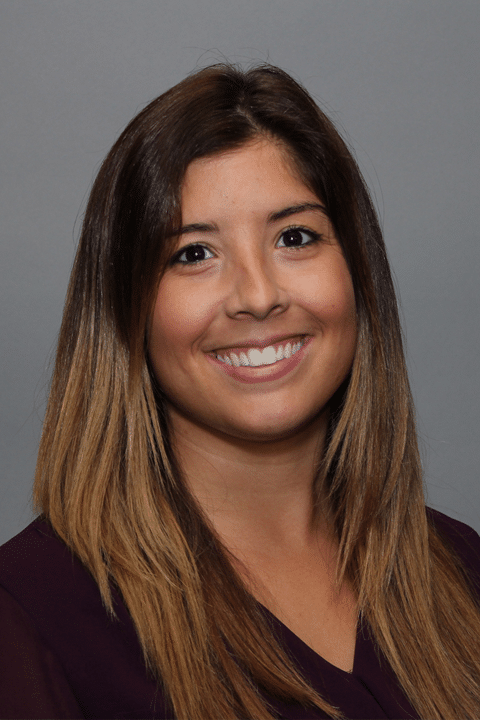
A graduate of Boston College and the Graduate School of Nursing at UMass Medical School, Laura has been working as an Advanced Practitioner since 2012. Laura believes in providing holistic, compassionate and comprehensive care to her patients. She chose to practice in primary care medicine because she enjoys building strong relationships. “I especially enjoy working with families and parents, which is so important in pediatrics,” she explains. Laura is also a strong believer in patient education and preventative care. “I really like watching children grow and helping them get off to a healthy start in life by educating them on the right lifestyle choices.” Laura has a great passion for pediatrics, which started during her clinical rotations in graduate school. “As the oldest of six siblings and being a nanny for many years, I have a natural approach with children that I feel makes them feel very safe and comfortable in the office. I really strive to make each visit as positive and enjoyable as possible.” In her spare time, Laura enjoys being with her husband, visiting family, and spending time outside with her dog Chara.