
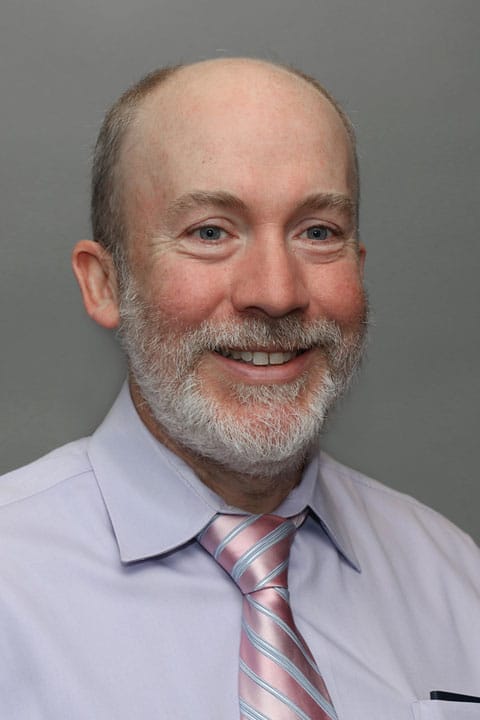
A graduate of Worcester Polytechnic Institute and the Massachusetts College of Pharmacy and Health Sciences, Jeffrey enjoys helping patients in Central Massachusetts with their otolaryngology problems. “I find otolaryngology highly challenging but also very rewarding to practice in with its combination of infectious disease, internal medicine, neurology, and oncology,” he explains. Jeffrey likes to get to know his patients and thinks that having an informed and extensive discussion on the health issues they are facing is the best way to find a solution. He believes that no complaints are unimportant or too small to work on. “For me, going home at the end of the of a busy day is particularly rewarding if there are patients who are also heading home with a better understanding of their health, and ways to make it better.” When he is not busy with patients Jeffrey enjoy spending as much time as possible with his wife and children. He also enjoys mountain biking as well as running to stay in shape. In 2017, Jeffrey competed in the Detroit Marathon.
Offices and Locations
Worcester Medical Center
Phone number: 1 (508) 368-3103
Address: 123 Summer Street, Worcester, MA, 01608
Overview
Specialties
Otolaryngology (ENT)
Clinical Interests
Ear Infections
Ear Wax/Cerumen
Epistaxis
Hoarseness/Voice
Education
Master of Science: MCPHS University
Insurance
Related News and Articles