

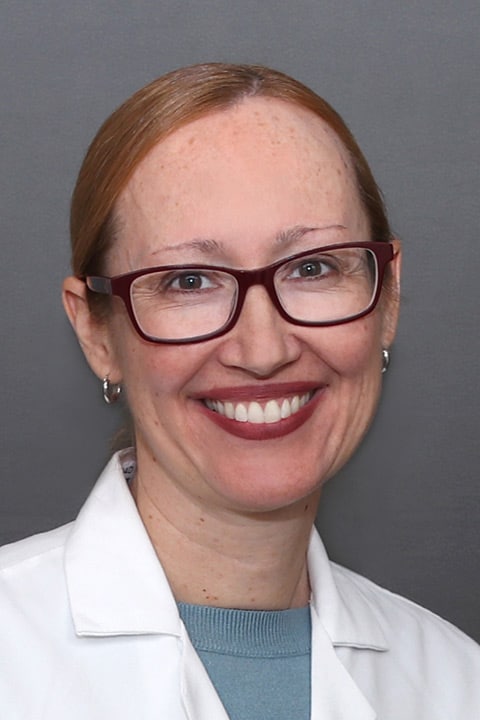
Nurse Practitioner Laura Small is a graduate of St. Anselm College and the UMass Medical School Graduate School of Nursing. Prior to joining Reliant Medical Group, she worked at Tufts Medical Center in Boston in inpatient cardiology. Laura also worked at the Cardiomyopathy Center there, where she helped treat patients experiencing advanced heart failure, including transplant patients. Laura truly enjoys caring for patients. “I think that having a background in nursing, nurse practitioners have a unique perspective on patient care,” she explains. “It is embedded into our practice to view the patient holistically. As nurses, we are interested in not only the diagnosis and management of disease, but also in education of the patient and family, assessment of how they are coping, and providing available resources.” During her spare time, Laura enjoys spending time with her family, traveling, and outdoor activities, including hiking, mountain biking, golf, skiing and snowshoeing.
Offices and Locations
Worcester Medical Center
Phone number: 1 (508) 248-4126
Address: 123 Summer Street, Worcester, MA, 01608
Overview
Specialties
Cardiology
Partnering Provider
Education
Medical Education: St. Anselm College & UMass Medical School Graduate School of Nursing
Languages Spoken
English
Insurance
Laura Small's Featured Blogs