
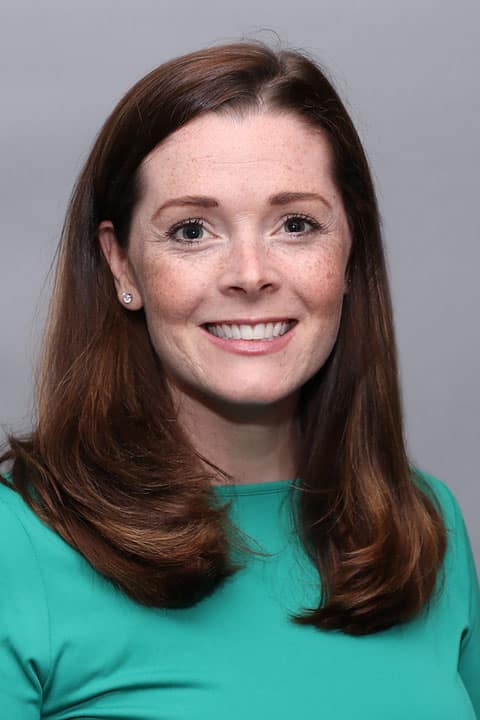
A graduate of Duquesne University, Meredith has been practicing as a physician assistant since 2009. She loves the challenge of being an advanced practitioner and having the opportunity to help others each day. Meredith truly enjoys the variety and scope of practice of Otolaryngology and the fact that she can work with both adults and children. She always strives to make sure her patients are managed correctly and that they are educated about their health concerns. “I try to educate patients about their health so that they can be active participants in their care,” she explains.
Meredith says that the thing she enjoys the most about being an advanced practitioner is helping others. “There is no better feeling than when you see a patient for a follow-up visit and you’ve fixed their problem or have improved their quality of life – that’s what makes it all worthwhile.” When she is not busy with patients, Meredith enjoys spending lots of time with family. She also enjoys reading, being outdoors, and baking.
Offices and Locations
Worcester Medical Center
Phone number: 1 (508) 368-3103
Address: 123 Summer Street, Worcester, MA, 01608
Overview
Specialties
Otolaryngology (ENT)
Certifications
NCCPA
Education
Medical Education: Duquesne University
Insurance
Related News and Articles