I’m accepting new patients!
Become a patient: Book Online now or Call Patient Registration for assistance.
Already a patient of this doctor?
Patients and/or proxies can book annual physicals online through MyChart.
Sign up or
log in now.
“Parents are experts in their own children. If they are worried, I take their concerns seriously and will work hard to allay any concerns.”
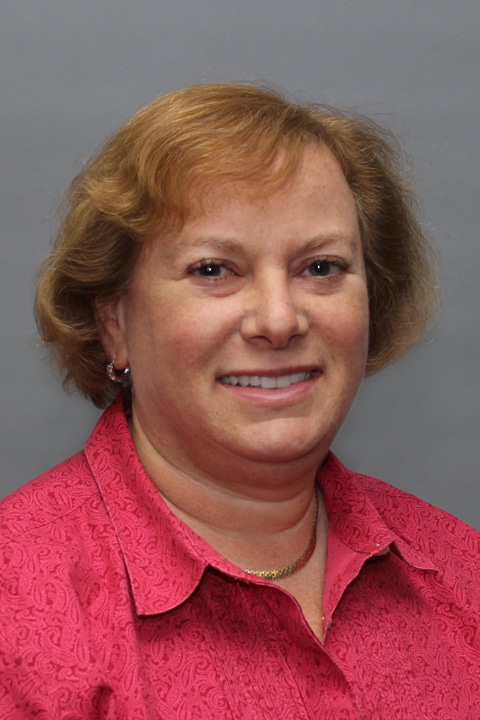
Dr. Sarah Bechta has been practicing medicine since 1992. She chose to enter the field because she wanted to work with people in both an intellectually stimulating and compassionate way. She believes that a major part of being a good pediatrician involves listening to the parents. “Parents are experts in their own children. If they are worried, I take their concerns seriously and will work hard to allay any concerns.” Dr. Bechta’s goal is to work with families to accomplish their healthcare objectives in a way that works for everyone involved. In her free time, she likes being with her family, as well as reading, boating, skiing, playing tennis, and cooking.
Offices and Locations
Overview
Specialties
Pediatrics
Partnering Provider
Certifications
Board Certified: Pediatrics
Education
Medical School: Brown University
Internship & Residency: Fitzsimons Army Medical Center
Residency: Pediatrics, University of Colorado Health Sciences Center
Insurance
Related News and Articles