
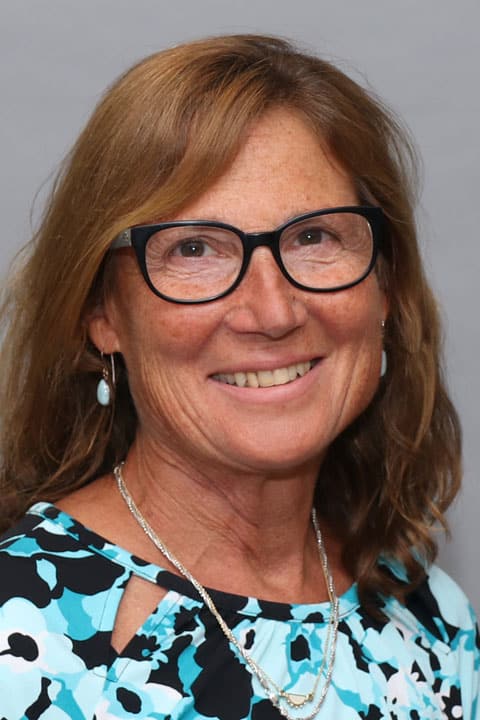
Open to new gynecological patients only.
Growing up, it was always Brenda’s dream to become a nurse and work with patients each day. “Fortunately, I was able to reach my goal and I worked as an RN for 20 years, mostly in labor and delivery,” she explains. “Then I decided I wanted to go back to school. I started a program for a Master’s degree in Public Health and then made the decision that I wanted to advance my clinical knowledge and skill set by becoming an advanced practitioner. I chose women’s health because I had dedicated most of my career to women in labor and really loved the work.”
Brenda believes that caring for patients extends beyond addressing their physical needs. “Caring involves developing a relationship with patients and understanding their walk of life. What brings you here today? What are you going through? Good care involves assessing a patient’s needs and creating a mutual plan to meet those needs. I love working closely with patients and developing a plan of care that is beneficial to them.”
In her spare time Brenda enjoys gardening, baking in the kitchen, and exercising. She also loves spending as much time as possible with her family and grandchildren.
Offices and Locations
Worcester Medical Center
Phone number: 1 (774) 778-5239
Address: 123 Summer Street, Worcester, MA, 01608
Overview
Specialties
Obstetrics and Gynecology
Clinical Interests
Gerontology
Certifications
ANCC- Adult-Gerontology Primary Care Nurse Practitioner
Education
Master of Science in Nursing: Boston College
Master of Public Health: UMass Amherst
Post-Master's Certificate: UMass Medical School
Languages Spoken
Dutch
Insurance
Related News and Articles