
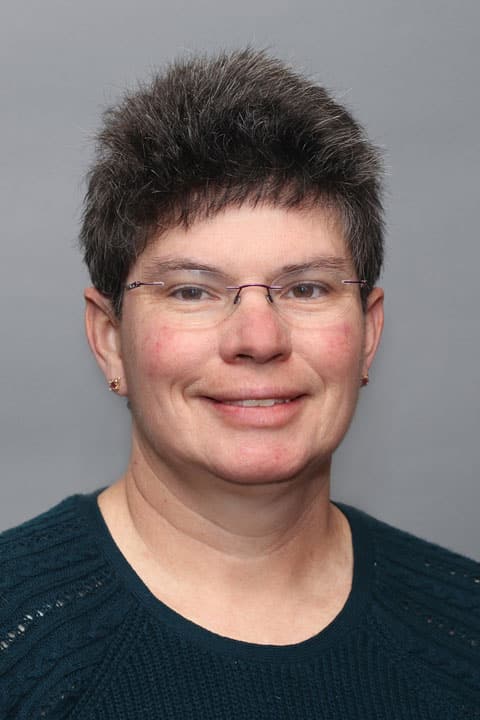
A graduate of Texas Christian University and the University of Washington, Debbie has been helping patients since 1988. After joining the Air Force as a registered nurse, Debbie realized that providing women’s health is what she wanted to do. “I quickly realized that women’s health was my niche,” she explains. Debbie finds all aspects of providing OB-Gyn care to be fascinating, whether treating young teens or older women. Debbie comes to Reliant with 15 years as a full scope certified nurse midwife. “I chose midwifery because I can follow women throughout their life,” she explains. As a care provider, Debbie believes that both the patient and their provider should share in making health decisions. She is open to helping her patients in any way she can, by working with them to make certain health choices. One of Debbie’s favorite things about her job is the variety of the work she gets to do each day. “Every day presents a new set of challenges and situations,” she explains. When she is out of the office, Debbie enjoys spending time with her five children and working on yard and home improvement projects.
Offices and Locations
Worcester Medical Center
Phone number: 1 (774) 778-5239
Address: 123 Summer Street, Worcester, MA, 01608
Overview
Specialties
Obstetrics and Gynecology
Certifications
Certified Colposcopist
Certified Nurse Midwife
Neonatal Resuscitation Provider
Basic Life Support
Education
Master of Nursing: University of Washington
Bachelor of Science in Nursing: Texas Christian University
Insurance
Related News and Articles