
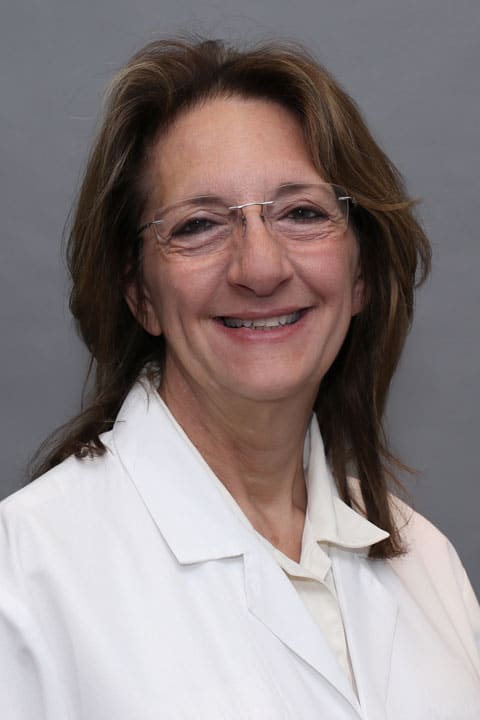
“...I find I can still make a difference in the lives of the women I see every day.”
Dr. Iphigenia Balodimos grew up always wanting to be a doctor. “My father was a physician and ever since I was four years old I would pretend I was a doctor with my dad,” she explains. “I come from a family of physicians and represent the third generation to enter medicine and become a doctor.”
Dr. Balodimos chose to practice in OB-Gyn because she likes doing a bit of everything. “During my residency I loved delivering babies and taking care of women throughout their lifespan. I don’t perform deliveries now but I find I can still make a difference in the lives of the women I see every day.”
In her practice Dr. Balodimos treats many different issues including abnormal bleeding, menopausal problems, abnormal pap smears, vulvar issues, pelvic pain and problems concerning sexual function. Dr. Balodimos loves the challenge of making a correct medical diagnosis. “I have actually developed several algorithms to help with diagnosing difficult problems and use them in my practice when I can.”
One of the things that Dr. Balodimos enjoys the most about Reliant Medical Group is that the patients always come first. “I love the fact that here I can take care of patients to not only meet the standard of care but have the support to actually exceed the standards that have been set.”
When she is not busy with patients Dr. Balodimos loves to travel as well as spend time with her pets. She presently has seven dogs, four of which she delivered herself. She is also involved in the Greek community in Boston as well as various charitable organizations.
Offices and Locations
Overview
Specialties
Obstetrics and Gynecology
Clinical Interests
Gynecology
Certifications
Board Certified: OB/GYN
Education
Medical School: University of Massachusetts Medical School
Internship & Residency: University of Massachusetts School of Medicine
Fellow of The American Congress of Obstetricians and Gynecologists
Languages Spoken
English
Greek
Insurance
Related News and Articles