
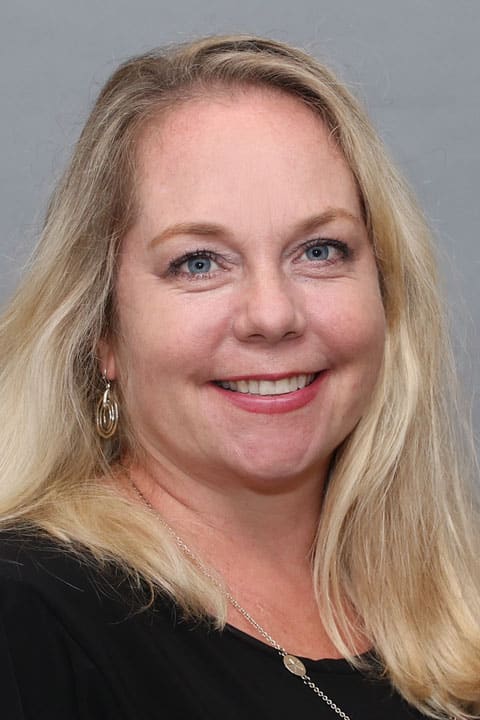
Liza Peck has been practicing medicine since 2003; first as a labor and delivery nurse and then an NP in 2005. “This is a profession of empathy and caring at its core. Women are stretched in so many directions- caring for children, parents, spouses, etc. I want to care for them and make a difference in their lives.”
Specializing in OB-Gyn care, Liza provides standard office gynecology procedures across all ages. “My patients are here for a reason, something just ‘isn’t right’. I feel like an investigator as I assess the problem and together we formulate a plan to return the patient to optimal health.” Being a mother of 3 young children, she doesn’t have much spare time but Liza does like to enjoy the beaches of Cape Cod with them when she can.

Become a patient
Registration specialists are available by phone Monday through Friday, 7:30 AM to 6:00 PM, by calling (508) 425-5857. If it's outside of business hours, or you'd prefer a Reliant team member to contact you, fill out the form below and a registration specialist will call you to complete the registration process. We look forward to caring for you and your family!
Follow these simple steps to register with this doctor and book your first physical!
How to Save as a PDF
To print a PDF of this page, start by clicking the print button in your browser or using CTRL/Command-P to open the print dialog.
Chrome: Click the "Change" button in the destination settings area. Select "Save as PDF" in the location destinations section. Afterwards, click the "Save" button.
Firefox: If you have Adobe Reader or Acrobat installed, select "Adobe PDF" as the printer name. If not, install Save as PDF and follow its instructions.
Internet Explorer: If you have Adobe Reader or Acrobat installed, select "Adobe PDF" as the printer name. If for some reason this does not work, you can use Web2PDF and follow its instructions.
Safari: Simply select "Save Page as PDF" and continue. If for some reason this does not work, you may install Nitro PDF.