Sorry, I'm not currently accepting new patients. Click here to browse a list of doctors who are!
Are you already a patient of this provider?
You can book your annual physical and routine appointments online through MyChart!
Sign up or
log in now.
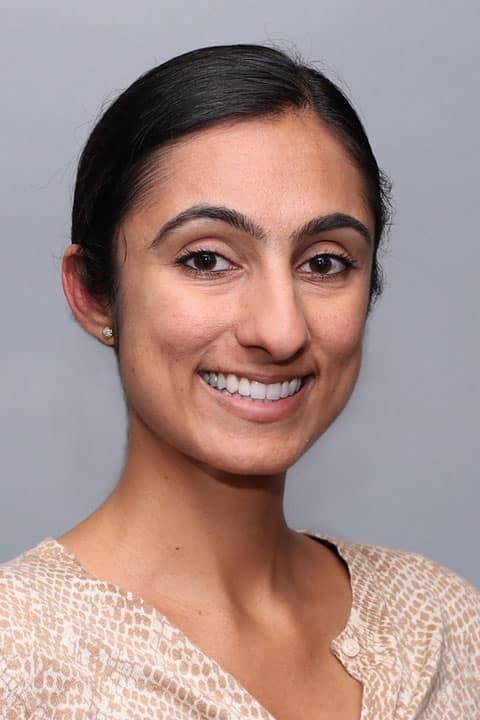
A graduate of MCPHS University in Boston, Gurleen has been practicing as a physician assistant since 2014. Ever since she was young, Gurleen has loved learning about medicine and the human body. “Now as a physician assistant, I have the opportunity to share my passion and empower others to understand more about the human body. I believe this leads to positive outcomes in management of patients’ conditions.”
Gurleen likes to provide care to patients using a team approach. “By working together with the patient and understanding their beliefs, lifestyle and goals, I hope to help patients understand and tackle their medical issues in a way that makes them feel confident they will succeed,” she explains. “It’s great when you can make a positive impact on a patient’s life.”
Gurleen says that when it comes to treating chronic ailments, many patients believe their problems can go away just by taking a pill. “In reality, it’s more complicated than that,” she explains. “However, through positive lifestyle changes, one can halt further progression of disease and even get off medications. There’s no doubt that proper diet, exercise and other healthy lifestyle habits can really work wonders for people’s health – and prevent the need for taking medication in the first place.”
In her spare time, Gurleen enjoys being active (especially outdoors) and enjoys hiking, biking, and swimming. She also loves to read and travel when she has the time.