
Sorry, I'm not currently accepting new patients. Click here to browse a list of doctors who are!
Already a patient of this doctor?
Patients and/or proxies can book annual physicals online through MyChart.
Sign up or
log in now.
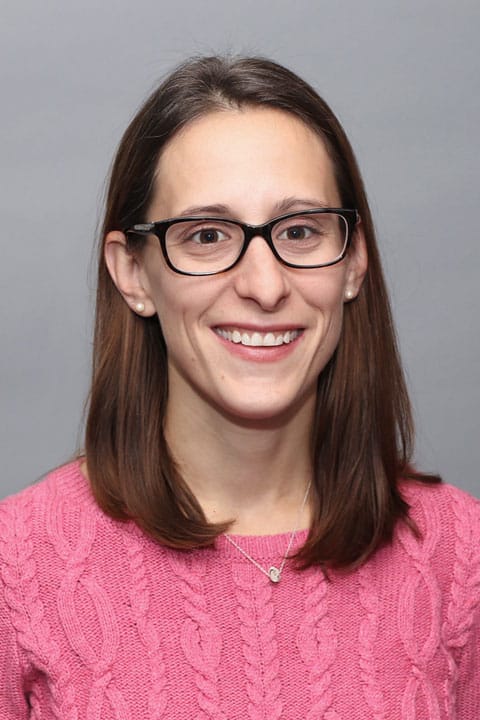
A graduate of University of Massachusetts Amherst and Regis College, Renee has been practicing medicine since 2010. As an advanced practitioner in Pediatrics, Renee knew that caring for children was something she always wanted to do. “Working with families over the years as their children develop and making sure they are healthy is very rewarding,” she explains. As a care provider, Renee believes in treating not only her patients, but helping their families as well to ensure that children grow up to live healthy lives.
In having two children of her own, Renee knows how scary having a sick child can be and strives to promote health and wellness for her patients. She finds that an important aspect of patient care is to help make the child as involved in the appointment as possible. “The office can be a scary place and I want families to feel comfortable and understand as much as possible,” she explains. She finds that it is also important for both the child and the parent to play an active role in the care they receive. With all of her patients, Renee enjoys being able to develop relationships with the family while watching her patients grow. In her spare time, Renee likes to spend time outdoors with her two daughters and practice yoga.