Sorry, I'm not currently accepting new patients. Click here to browse a list of doctors who are!
Are you already a patient of this provider?
You can book your annual physical and routine appointments online through MyChart!
Sign up or
log in now.
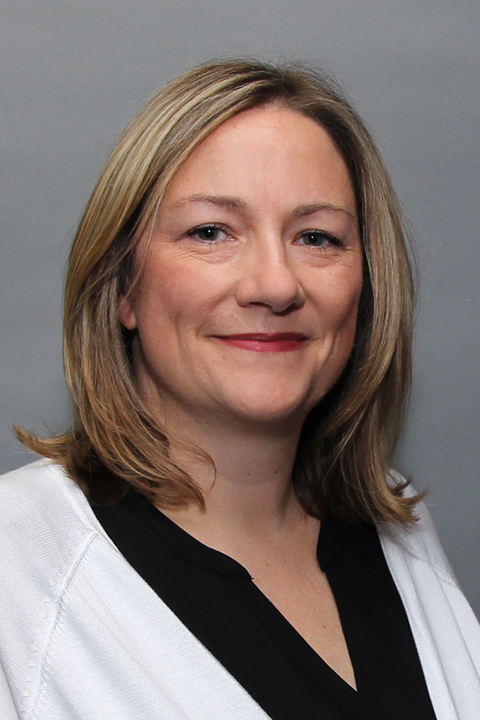
A graduate of Colby-Sawyer College and Regis College, Nicole worked as a registered nurse for 21 years before becoming an advanced practitioner. Nicole enjoys practicing as a family nurse practitioner. “I enjoy taking care of patients through their entire lifespan and building strong relationships with them, in illness and in health,” she explains. In her work Nicole believes in seeing each patient as an individual with unique needs. “While treating a person for their problem is important, I think teaching them wellness and proper care is just as important.” Although she is an advanced practitioner now, Nicole has not forgotten what it means to be a nurse. “In many ways I am still a nurse at heart, but with the skills and education to treat illness and promote wellness and disease prevention.” When she is not busy with patients, Nicole enjoys traveling, cooking, and spending time with family.